
Quick guide
1 Hardware
- AT400 GNSS Antenna
- RF Splitter 1-in-4-out
- RF cables
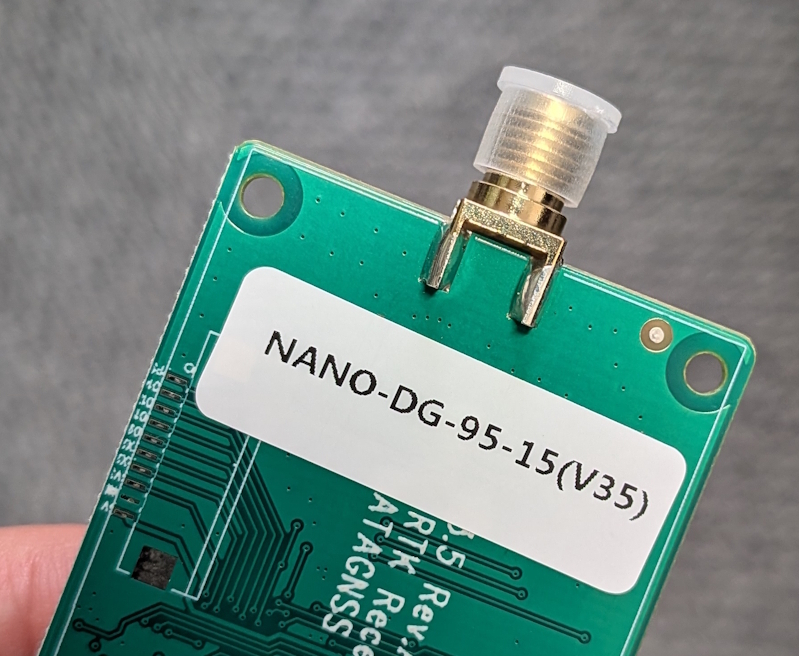
- NANO Receiver (NANO-DG-95-15, RTCM3 output)
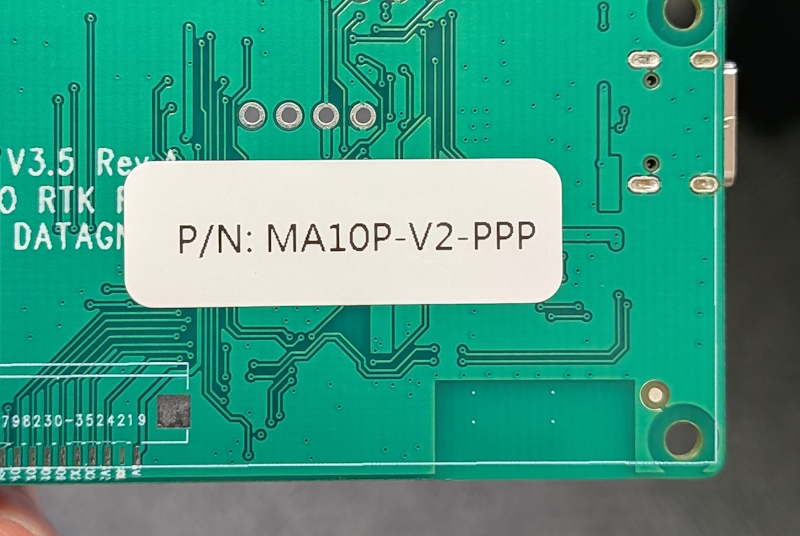
- MA10P-V2-PPP (MADOCA)
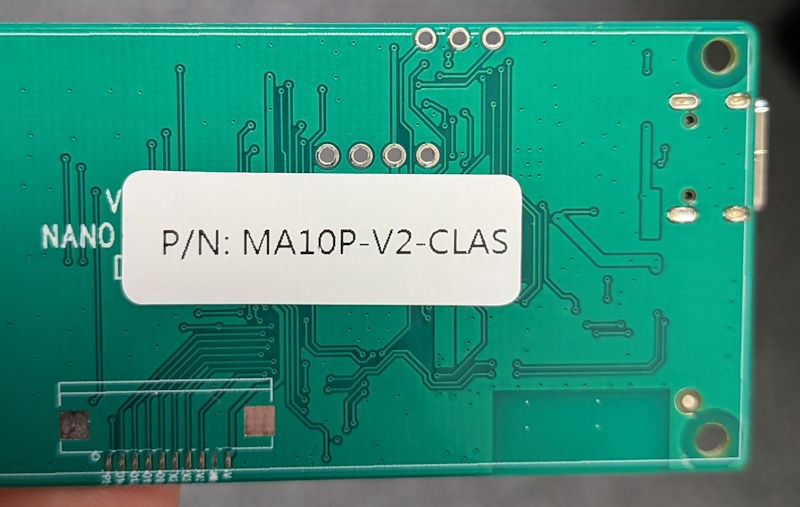
- MA10P-V2-CLAS-00 (CLAS)
- Type-C USB cables
1.1 NANO RTK Receiver
The NANO RTK Receiver is configured to output RTCM3 messages by default (MSM7 and ephemeris data).
- 1077, 1087, 1097, 1117, 1127
- 1019, 1020, 1046, 1044, 1042
1.2 MA10P-V2-PPP
The MA10P-V2-PPP supports MADOCA/PPP positioning and outputs NMEA data at a 1 Hz rate.
The accuracy is approximately 0.1-0.6 m.
1.3 MA10P-V2-CLAS-00
The MA10P-V2-CLAS supports CLAS/PPP-RTK positioning and outputs NMEA data at a 1 Hz rate.
The accuracy is approximately 0.05-0.1 m, depending on the environment.
2 Connection
The three receiver models support WiFi, USB, and UART connectivity.
All connection types can output the same data.
2.1 USB
If you connect the Type-C cable to a PC, it will appear as a USB serial port.
You can find the COM port number (with the string “SERIAL-A”) in Device Manager.
Then, you can use this COM port to log data.
The USB interface supports both data transfer and power supply.
2.2 UART
The 6P UART (TTL) supports both power supply and data output.
2.3 WiFi
The NANO receiver supports both AP and Station modes for WiFi connections.
When powered on, you can find an access point named NANO_RTK_xxxx (where the last four digits differ for each unit).
Please connect to this AP from your PC or phone, then open a browser and log in to http://192.168.4.1 to access the NANO configuration web page.
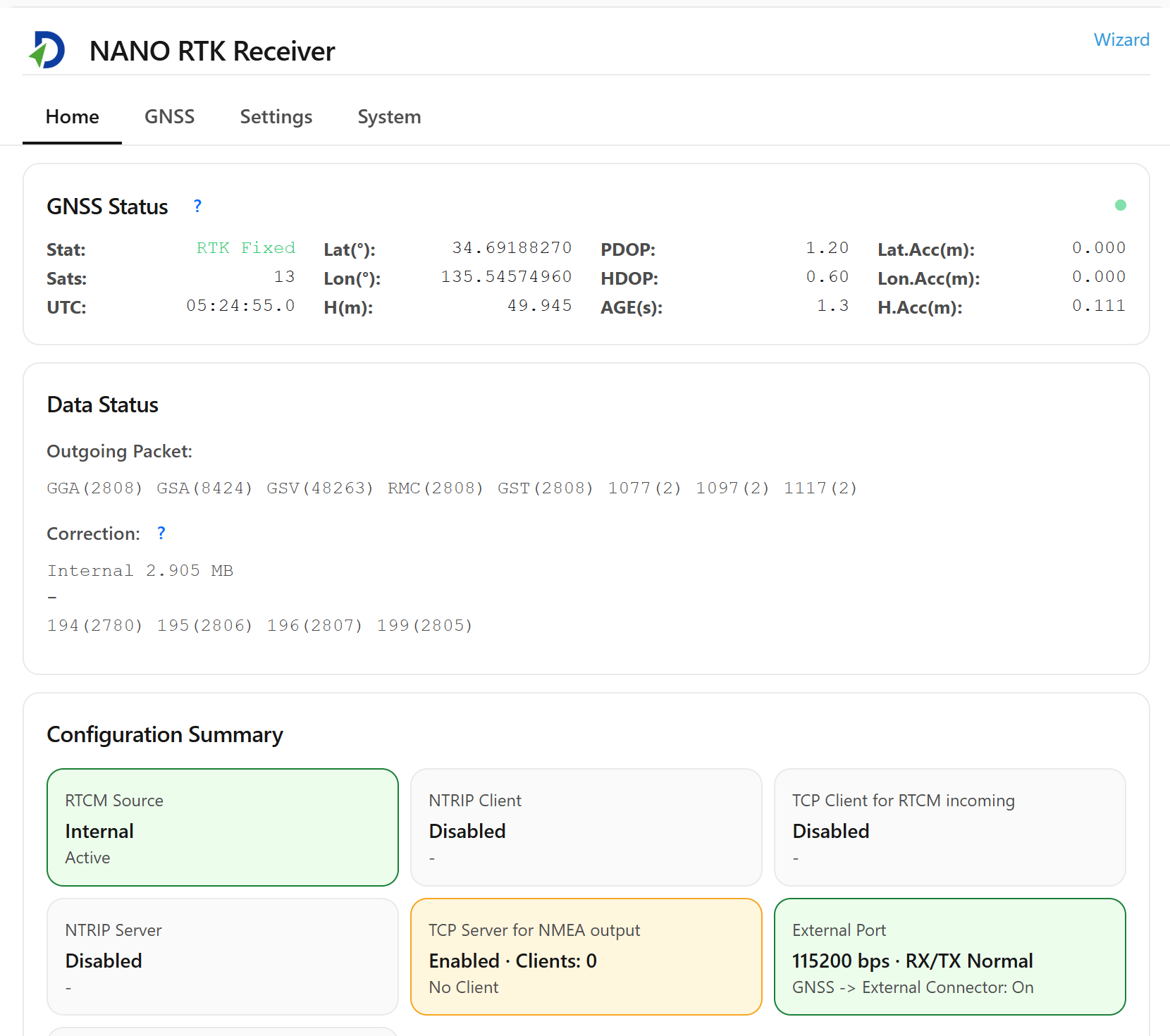
Then, you can set the WiFi SSID and password so that the NANO connects to your local network.

Once connected to your local WiFi, it will display the IP address; please note it down.
3 Log data
To record data from several stations, it is recommended to use the following architecture:

Set the built-in NTRIP server parameters for each receiver, and then connect them to the network.
The data will be sent to the remote NTRIP caster.
Then, at a centralized location, such as one of the stations, as long as it has network connectivity, start multiple NTRIP clients to collect data separately.
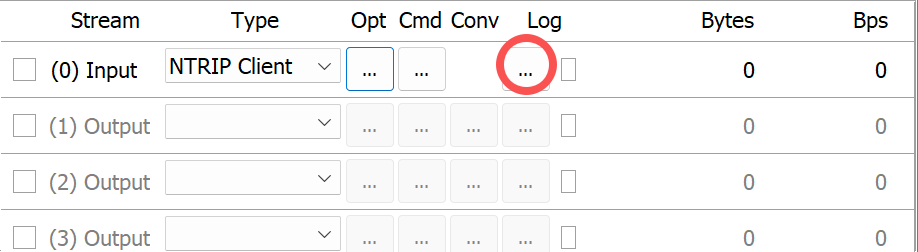
For this purpose, it is recommended to use strsvr (a stream collection utility from RTKLIB) for data acquisition.
As shown below:
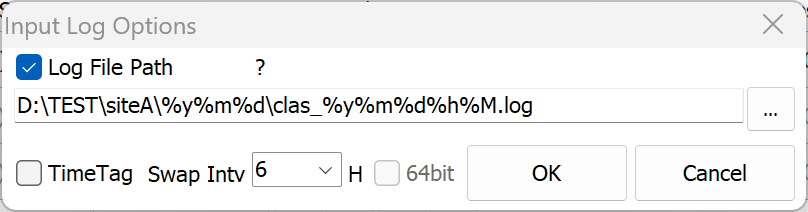
Use the following naming convention for data management:
D:\TEST\siteA\%y%m%d\clas_%y%m%d%h%M.log
This approach allows each collection point to upload only its data, while the same location can aggregate and manage the collected data centrally.
This design only requires each site to provide stable and reliable network connectivity and power supply.
DATAGNSS provides a free caster service (https://caster.gnsslab.net), which supports up to 3 upload nodes per user. If you plan to use it, please apply through the site.